
Why GainStage?
When you're mixing on Waves LV1, adjusting preamp gain shouldn't mean walking to the console or switching software. GainStage puts headamp control exactly where you need it – on the same screens as your mix.
Direct Preamp Control
Full control over all M32/X32 headamps via OSC. Adjust gain directly from your LV1 position without diving into console menus or switching scenes.
Session Management
Save complete preamp snapshots per show and send them straight to the console. Festivals, tours, and venues become repeatable – without manual note-taking.
Always On Top
Overlay mode keeps GainStage visible on top of Waves LV1. Perfect for dual-screen FOH setups – no window juggling or alt-tabbing in the middle of a show.
Perfect For
Live Sound Engineers
FOH engineers using Waves LV1 who need instant headamp access without leaving the mixing position or interrupting their workflow.
Touring Productions
Keep a consistent gain structure across venues with recallable sessions – perfect for tours where changeovers must be fast and predictable.
Festival Engineers
Rapid changeovers between artists with saved preamp configurations per band – focus on the show instead of rebuilding gain from scratch.
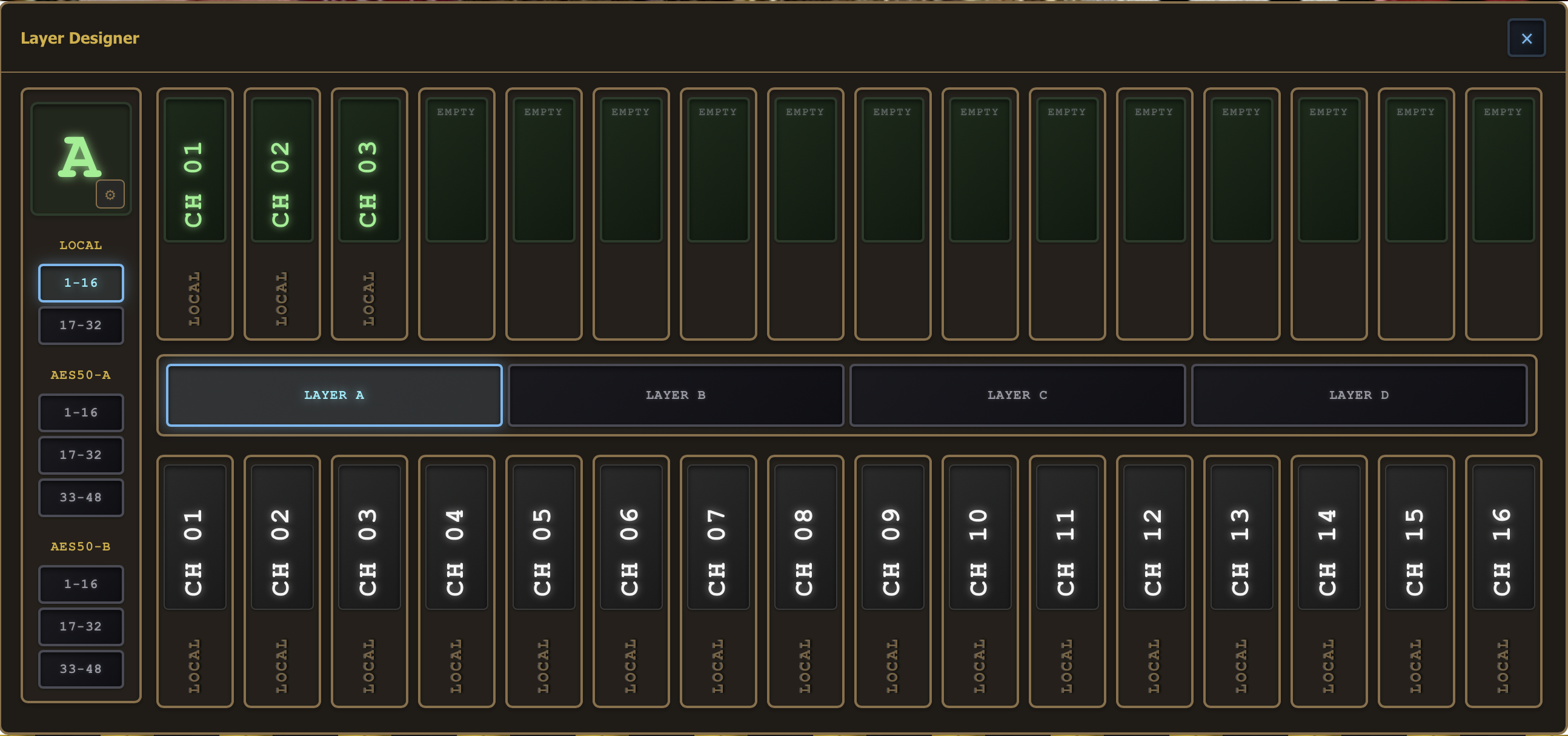
Interface Details
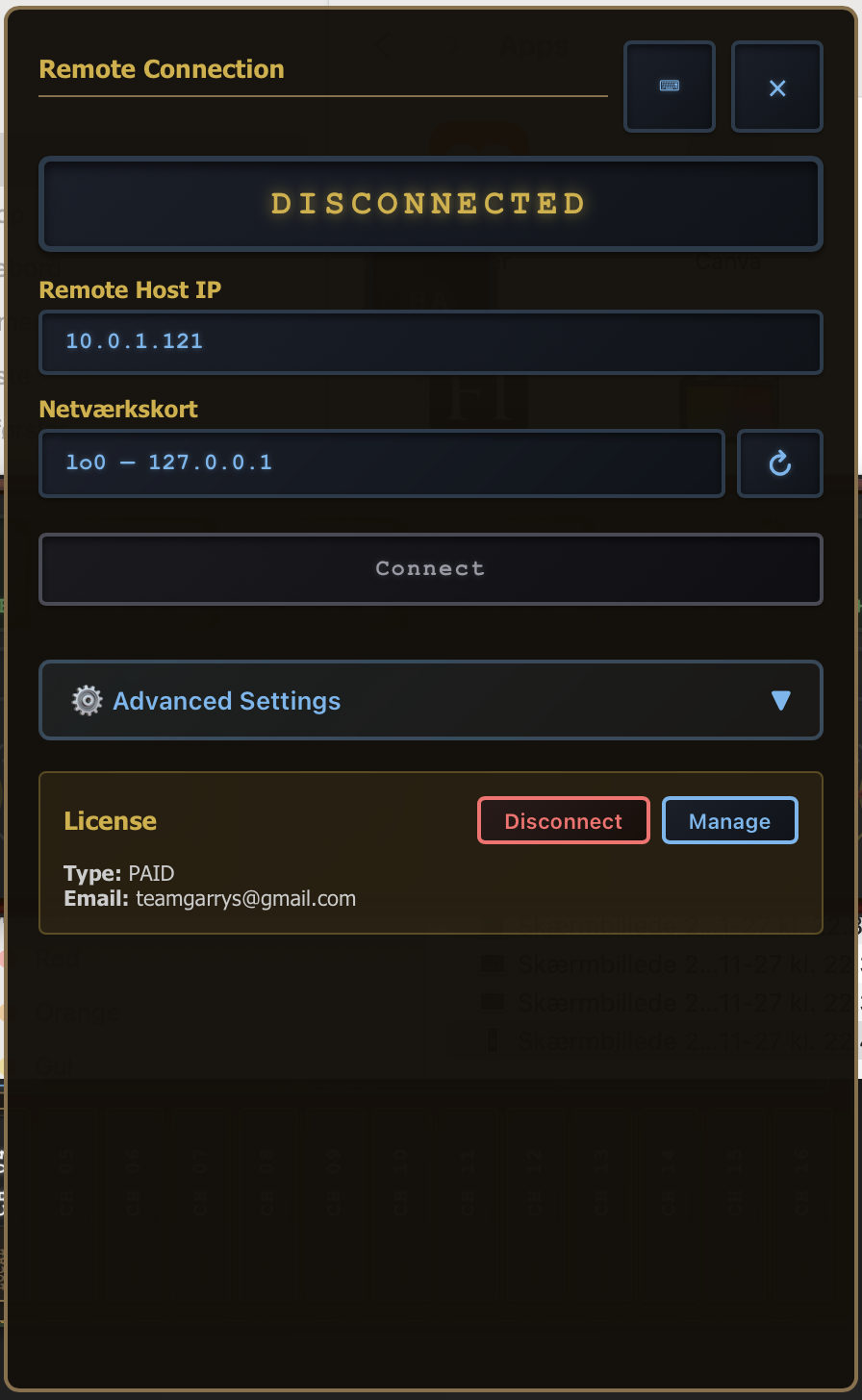
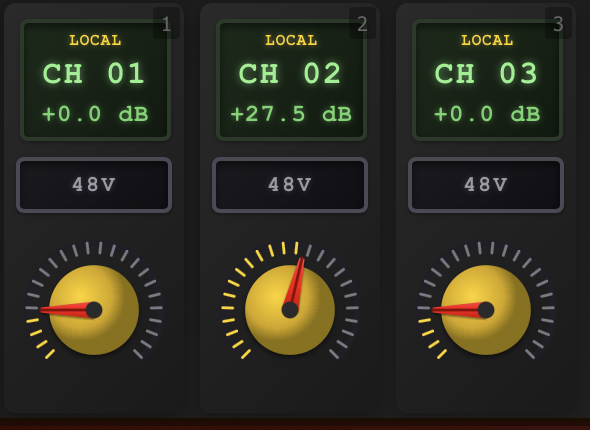
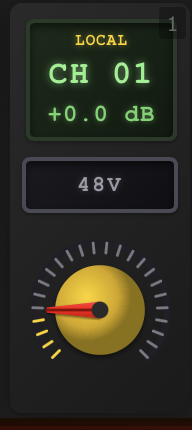
A closer look at the GainStage workflow and visual feedback.
One License. All Products. Lifetime Updates.
A single GainStage license currently gives you access to all our software — including every product on this page — with lifetime updates at no extra cost. Register for a free 30-day trial to try everything before you commit.
GainStage is built and maintained by a very small team of audio engineers and developers. We're not here to get rich — we're building tools we wish existed, for a community we're part of. Your license helps cover hosting, infrastructure, and continued development of new applications like the ones you see here. That's it. No subscriptions, no upsells.
Technical Specifications
Compatibility
- ▸ Waves LV1 Mixer
- ▸ MIDAS M32 Series
- ▸ Behringer X32 Series
- ▸ Other Behringer digital mixers with OSC
Network
- ▸ OSC Protocol
- ▸ Standard Ethernet / WiFi
- ▸ Auto-discovery support
- ▸ Multi-interface selection
Platform
- ▸ Windows 10 / 11
- ▸ macOS (Coming Soon)
- ▸ Touch screen optimized
- ▸ Multi-monitor support
Ready to take control of your preamps?
Download GainStage today and experience the difference.
Download Now